
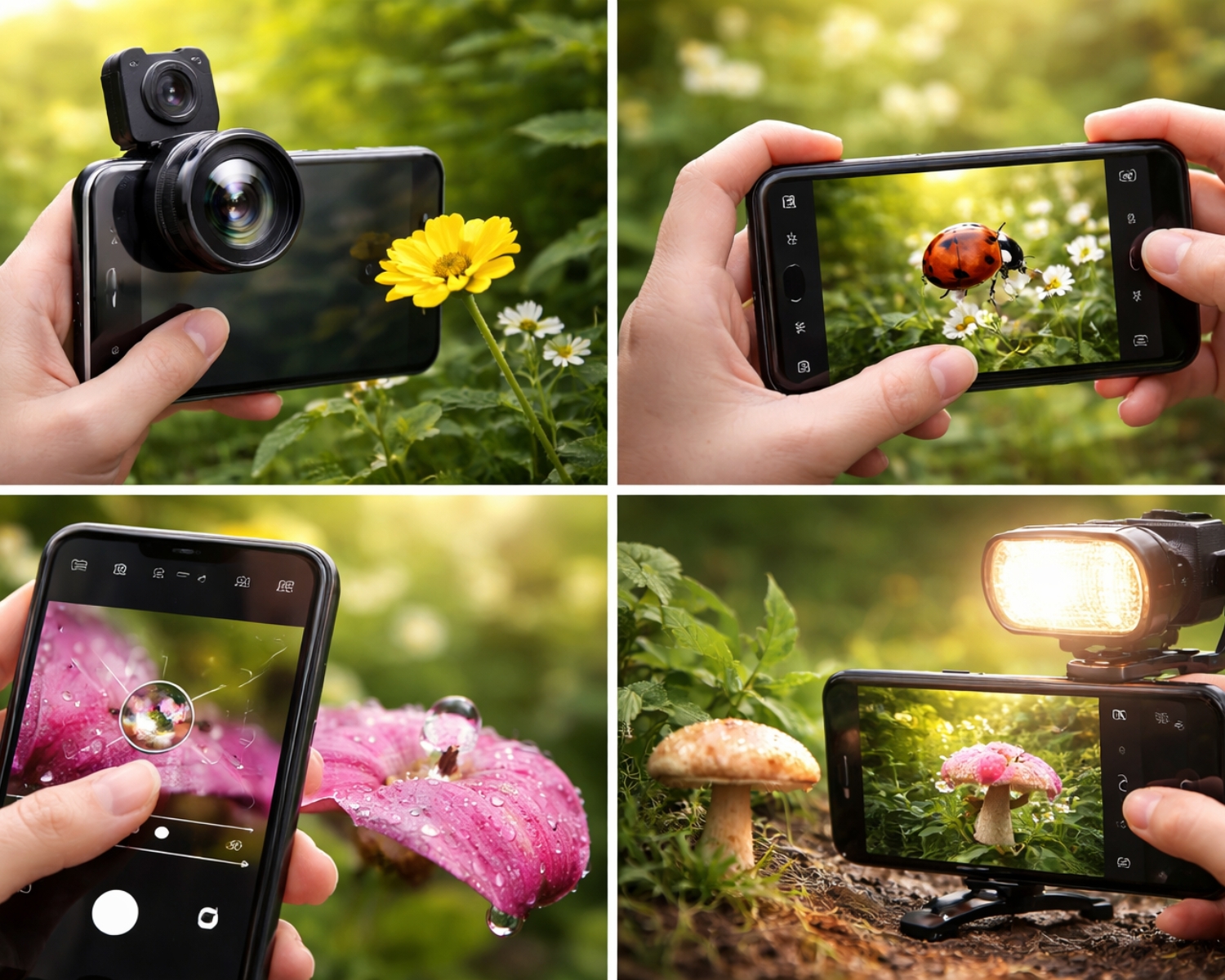
Macro photography allows you to capture the smallest details in nature, from delicate flower petals to the intricate textures of insects. While professional DSLR cameras are often preferred for macro shots, smartphones today come equipped with advanced camera features that can help you shoot stunning close-up images. With the right techniques and settings, you can capture amazing macro shots using just your smartphone.
Here’s how to shoot impressive macro photos with your phone.
1. Use the Right Smartphone Camera
Many modern smartphones come with macro lenses built into their camera systems. If your phone has this feature, it’s perfect for close-up photography. If not, you can still use the main camera and get close to the subject for a macro-like effect. Smartphones with high-resolution cameras (12MP or higher) will provide the sharpness you need for intricate details.
2. Enable Macro Mode or Use a Macro Lens Attachment
If your phone has a macro mode, make sure to enable it. This mode allows your phone to focus on small subjects at very close range. If your phone doesn’t have a built-in macro lens, you can purchase an affordable macro lens attachment that clips onto your phone. These lenses allow you to get closer to your subject and capture finer details.
3. Focus on Lighting
Good lighting is crucial in macro photography. Natural light is often the best choice, as it helps bring out the vibrant colors and textures of your subject. Avoid harsh sunlight, as it can create unwanted shadows. If shooting indoors, use soft, diffused light to evenly illuminate your subject. Vary the lighting angles to capture different aspects of your subject.
4. Get Close, but Don’t Touch
To capture sharp details, get as close as possible to your subject without touching it. When shooting flowers, insects, or other tiny objects, ensure your phone’s lens is within the appropriate focusing distance (usually a few centimeters from the subject). If you’re using a macro lens attachment, it will allow you to focus even closer for more detail.
5. Stabilize Your Phone
To avoid blurriness, keep your phone steady. Use both hands to hold the phone, or stabilize it on a flat surface to ensure sharp focus. A smartphone tripod is also a great investment for macro photography, especially for shooting at low angles or in challenging lighting conditions.
Showcase Your Work with My Lovely Lens
Once you’ve captured those stunning macro shots with your smartphone, My Lovely Lens is the perfect platform to showcase and share your work. As a creative hub for photographers, My Lovely Lens connects talented photographers with a global audience who appreciates high-quality, unique images.
With the right smartphone, settings, and techniques, you can shoot amazing macro photos without expensive equipment. Share your captivating macro photography on My Lovely Lens, and join a community of artists passionate about capturing the world in intricate detail.
#MacroPhotography #SmartphonePhotography #MyLovelyLens #PhotographyTips #CreativePhotography #MobilePhotography #PhotographyCommunity
