
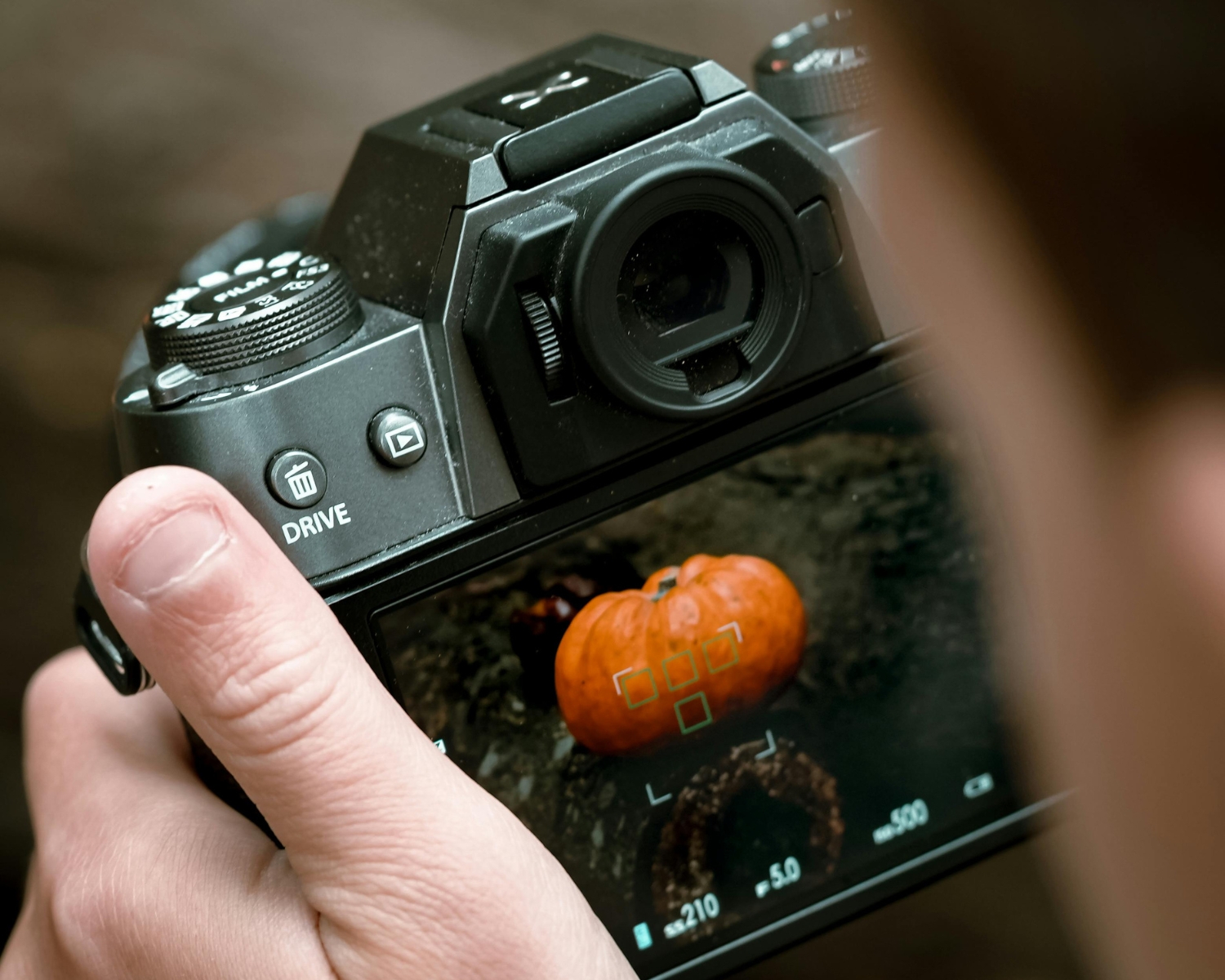
Macro photography reveals a world of intricate details often overlooked in everyday life. From delicate flower petals to tiny insects, capturing the beauty of small subjects requires precision and the right camera settings. Understanding how to adjust your camera’s settings is crucial for getting sharp, detailed macro shots. Here’s a guide to the best macro photography settings for your camera.
1. Aperture: Use a Small F-Stop
In macro photography, depth of field is crucial. A small aperture (a higher f-stop number, like f/8 to f/16) ensures that more of the subject is in focus. However, keep in mind that smaller apertures let in less light, so you may need to adjust other settings, such as ISO or shutter speed, accordingly. A smaller aperture also helps increase image sharpness, especially for capturing fine details in macro shots.
2. Shutter Speed: Keep it Fast
Macro subjects tend to move quickly, especially insects, so you need a fast shutter speed to freeze their motion. A speed of at least 1/200 is ideal for preventing motion blur. If you’re photographing stationary subjects like flowers, you may be able to use a slower shutter speed. However, if you’re shooting handheld, make sure the shutter speed is fast enough to avoid camera shake.
3. ISO: Keep It Low
In macro photography, noise can quickly become an issue, especially when using smaller apertures. Set your ISO to a low value (ISO 100-400) to ensure the sharpest image with minimal grain. If you’re shooting in low light or using a small aperture, you may need to increase the ISO slightly, but try to avoid going above 800 to maintain image quality.
4. Focus: Use Manual Focus
Auto-focus often struggles with small subjects in macro photography, especially when the focus is critical. Manual focus gives you full control over where the camera focuses, allowing you to capture your subject’s details precisely. Move your camera or lens slightly to fine-tune the focus, as even small adjustments can make a significant difference in macro shots.
5. White Balance: Adjust for Natural Colors
Set your white balance according to the lighting conditions to ensure accurate color reproduction. If you’re shooting in natural light, using the “Daylight” or “Cloudy” setting will typically yield the most accurate results.
Showcase Your Work with My Lovely Lens
Once you’ve captured stunning macro shots, My Lovely Lens offers a perfect platform to showcase your work. As a creative hub where photographers can share, buy, and sell their images, My Lovely Lens connects talented photographers with a global audience that appreciates high-quality macro photography.
The right camera settings can make all the difference in macro photography. By using a small aperture, fast shutter speed, low ISO, manual focus, and proper white balance, you can capture the finest details with sharpness and clarity. Share your macro masterpieces with My Lovely Lens and inspire others with your vision.
#MacroPhotography #PhotographyTips #MyLovelyLens #CameraSettings #CreativePhotography #PhotographyCommunity #NaturePhotography
